
Booster Pack Heroes Mac Support & System Requirements
Check Booster Pack Heroes mac support, compare official downloads, and understand Mac requirements, launch issues, and demo differences.
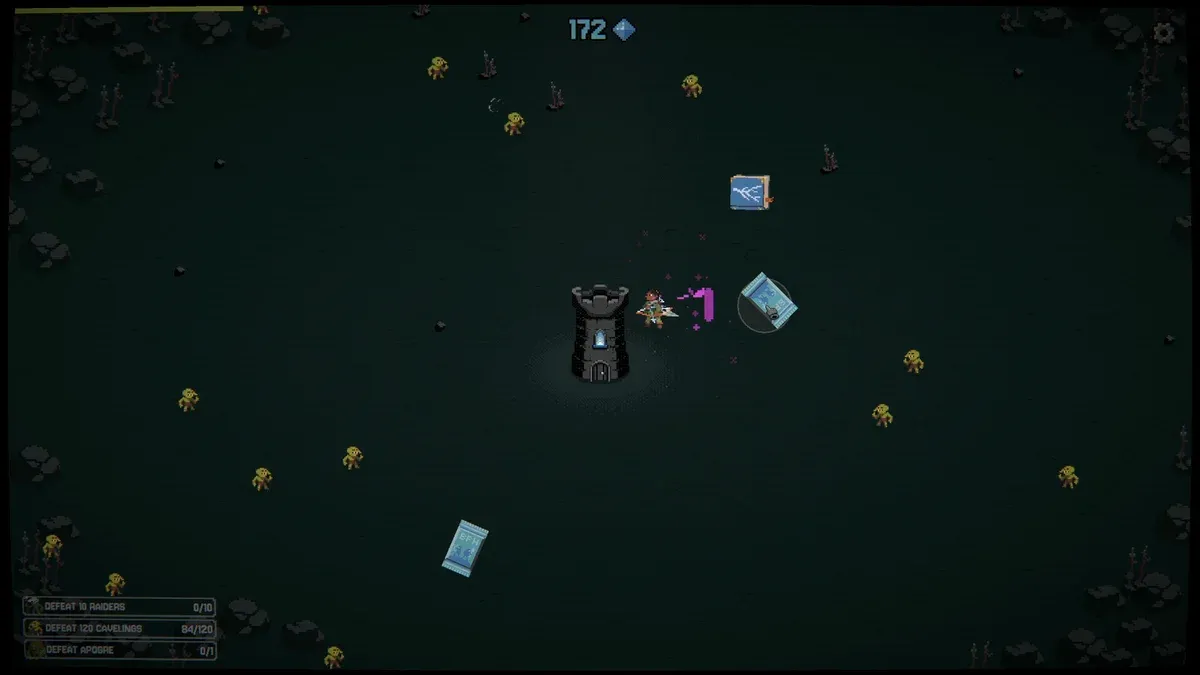
Can you play on a Mac?
The information here reflects the supplied November 11, 2026 evidence. The retail game launched on Steam on November 10, 2026, with Windows and Mac listed as supported platforms. Its separate demo and mobile storefront listings need their own compatibility checks. Steam retail release details
| Storefront or format | Confirmed information | Important limitation |
|---|---|---|
| Steam retail game | Released November 10, 2026; Mac support listed | Mac minimum and recommended specifications remain TBD |
| Apple App Store | Includes Mac compatibility requiring macOS 12.0 or later | Does not establish Steam hardware requirements |
| Publisher’s itch.io page | Browser demo present; downloadable Windows and macOS builds announced | Paid desktop downloads were still pending in the captured page |
Sources: Steam platform listing, Apple compatibility information, and Funday Games’ itch.io page.
For a mac purchase, the useful distinction is between listed platform support and confirmed operation on your hardware. Steam establishes the former. The available evidence does not establish reliable operation across every Mac model, processor, or macOS version.
Choose your mac download
Choose the storefront first, then check the information attached to that edition. A price, compatibility requirement, or update number from one store should not automatically be applied to another.
Steam: identify the retail game
The retail listing identifies zup as the developer and Funday Games as the publisher. It contains both a paid purchase section and a separate demo download section, so check which product you are selecting. Official retail and demo options
A practical purchase checklist is:
- Open the official retail page.
- Check its macOS requirements section for updated specifications.
- Distinguish the full-game purchase from the demo download.
- Review the price shown for your region.
The captured US Steam price was $6.99, reduced from $9.99 by a 30% introductory discount. The listing showed that offer ending November 24. Those figures describe the captured US offer; your local storefront determines the applicable price. Steam pricing and introductory offer
App Store: check eligibility separately
Apple’s listing includes Mac compatibility with macOS 12.0 or later and showed version 1.0.16. Confirm eligibility on the Mac you intend to use rather than borrowing requirements from Steam. App Store compatibility and version history
Itch.io: distinguish an announcement from a download
Funday Games said it intended to upload Windows and macOS builds after fixing bugs, targeting approximately November 11 at 10 a.m. CET. However, the captured page still described the paid release as forthcoming. That announcement supports an intended release, not a verified completed upload. Check the actual download options on the publisher’s itch.io page before relying on that route.
Understand the published Mac requirements
The central gap in the mac documentation is the unfinished Steam requirements section. Both its minimum and recommended Mac specifications list the operating system, processor, and graphics requirements as TBD. Apple supplies an operating-system minimum for its own listing, but that does not resolve Steam’s missing specifications.
| Requirement | Steam retail Mac listing | Apple App Store listing |
|---|---|---|
| Operating system | TBD for minimum and recommended | macOS 12.0 or later |
| Processor | TBD for minimum and recommended | Processor support is not established by the supplied text |
| Graphics | TBD for minimum and recommended | No graphics requirement supplied |
Sources: Steam system requirements and Apple compatibility details.
Intel versus Apple Silicon remains unresolved in the available evidence. There is no architecture-specific compatibility statement here confirming that both processor families work. Likewise, the material does not establish whether the Steam build requires a translation layer.
That means a MacBook model name alone is insufficient for a confident recommendation. Before purchasing, look for a published requirement or a developer response addressing your processor and macOS combination.
The emulator-focused reference also contains generic app-player requirements. Those figures describe that software route; they do not replace official requirements for the desktop Steam edition. In particular, its RAM and disk-space figures should not be presented as verified Steam Mac requirements.
The source-based recommendation is to check the edition you actually intend to install. If its hardware documentation remains incomplete, treat compatibility with your specific computer as an unanswered question.
Official gameplay video
The launch trailer by Funday Games shows the game’s general pack-opening and tower-defense loop. It is a gameplay overview, rather than a demonstration of this guide’s specific objective.
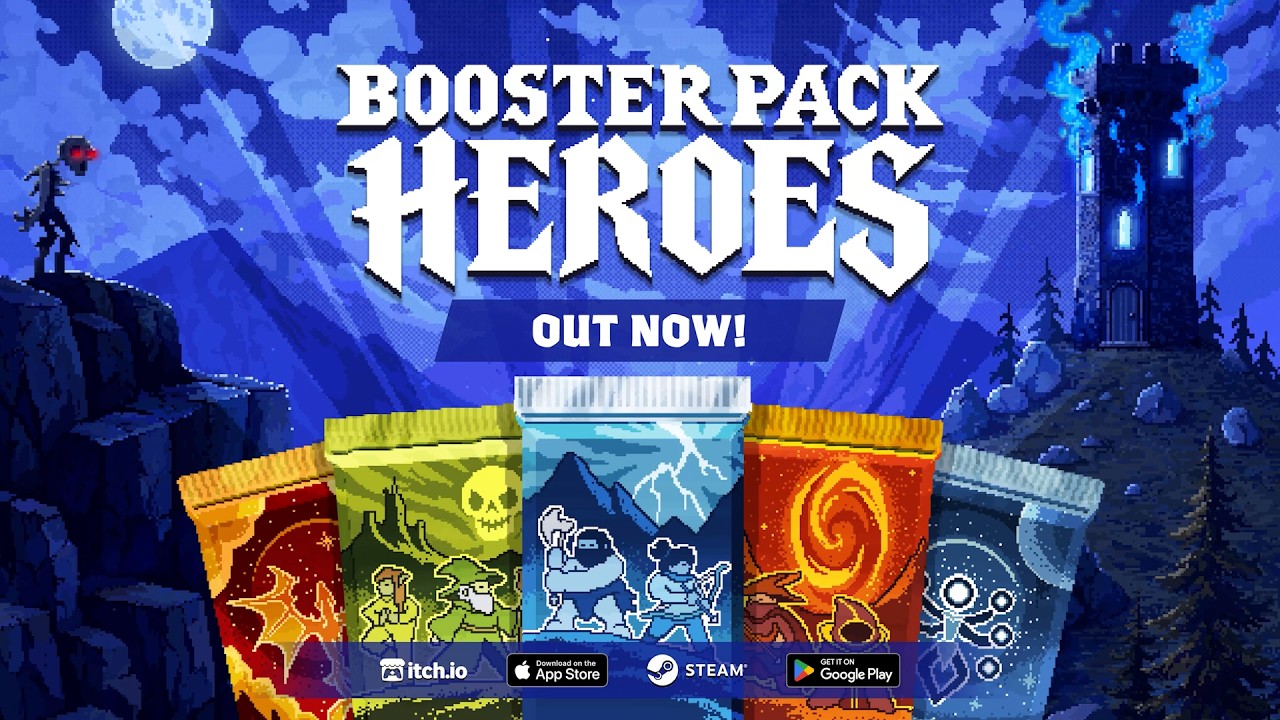
Booster Pack Heroes — Official Launch Trailer by Funday Games
What should you check if the Mac version will not launch?
Community reports describe Mac launch failures. The available evidence does not establish a failure rate, a complete list of affected computers, or a universal remedy. These reports warrant checking compatibility carefully, while the official Steam listing continues to identify Mac support.
A mac launch problem also needs to be distinguished from an in-game progression bug. The supplied patch 1.0.30D notes document several gameplay fixes and improvements, but they do not identify a Mac startup fix.
The following checks are recommendations based on the documented issues, rather than tested Mac repairs.
| Situation | What the available evidence establishes | Useful next step |
|---|---|---|
| The game fails before gameplay begins | No confirmed Mac startup remedy appears in the supplied patch notes | Record the storefront, hardware, macOS version, and exact error |
| Further upgrades cannot be purchased | Patch 1.0.30D fixes an integer-overflow issue affecting upgrades | Compare the installed retail version with the documented patch |
| Certain achievements or the final relic-pack quest reward fail | Patch 1.0.30D addresses these problems | Identify the achievement or reward when requesting help |
| Older advice says progress stops after finishing an act | Patch 1.0.30D allows continued play and quest progress after acts 1 or 2 | Check whether the advice predates that update |
The gameplay changes above come from the official patch 1.0.30D announcement.
When asking for help, include enough information to distinguish compatibility from a gameplay defect:
- Your Mac model and processor.
- Your macOS version.
- Whether you installed through Steam, Apple, or another official route.
- The installed game version, if accessible.
- The exact message or point where the failure occurs.
This checklist does not diagnose the cause. It makes the unresolved issue concrete enough for a useful response.
Keep patch numbers attached to their storefronts, too. Apple’s captured version was 1.0.16; the supplied Steam patch announcement was 1.0.30D. Those different numbers do not, by themselves, establish equivalent fixes or prove that one edition lacks a particular change. Apple version history
Separate the retail game from the demo
If your mac search began after trying the browser demo, check which edition you are reading about before applying advice.
The separate Steam demo was released on April 30, 2026. Its captured requirements show Windows specifications. That demo page does not independently establish Mac demo compatibility, and its requirements do not override the retail game’s explicit Mac listing. Official Steam demo page
The publisher’s itch.io page also offers a browser demo. This provides a way to explore the gameplay format, but browser behavior does not establish whether the desktop executable will launch on a particular Mac. Publisher’s browser demo
For readers deciding whether to buy the full game, the launch announcement provides these concrete content figures:
| Retail content | Publisher’s announced amount |
|---|---|
| Chapters | 14 |
| Booster packs | 10 |
| Units available to pull | 40 |
| Total upgrades | More than 500 |
| Relics | 40 |
These are retail launch figures from the official full-game announcement. They should not be presented as the browser demo’s content totals.
The same announcement estimates at least seven hours of play, depending on luck and speed. That is a developer estimate, rather than a measured completion time for every player or a Mac performance benchmark.
The basic loop involves opening packs, obtaining heroes and spells, defending a tower, and earning Mastery to upgrade your collection. Defeating chapter bosses unlocks additional packs and challenges. These are the systems described by the official retail listing.
Demo-specific additions need equally careful labeling. The Next Fest demo update introduced rare Interlopers drawn from heroes associated with full-game packs, alongside balance and performance changes. That announcement describes the demo update; it does not supply retail drop rates or Mac-specific performance results. Official Next Fest demo update
Frequently asked questions
What does the mac listing confirm?
The official Steam retail listing confirms Mac as a supported platform for the game released November 10, 2026. Its Mac system requirements remain TBD, so the listing does not settle compatibility with every individual computer. Steam retail platform information
Does it work on Intel Macs and Apple Silicon?
The available evidence does not independently confirm both processor families. Steam leaves its Mac processor requirement TBD. Apple lists macOS 12.0 or later, but the supplied compatibility text does not resolve processor support. Check your intended edition on your Mac. Steam requirements and Apple compatibility
Is there a free Mac version?
The retail game is paid. Free demos exist, including the publisher’s browser demo, but the captured Steam demo page does not independently verify Mac support. The browser demo should also be distinguished from the paid desktop release. Publisher’s demo page
Can you transfer saves between Steam, the browser demo, and Apple?
Cross-store and demo-to-retail save transfers are unconfirmed in the supplied material. Steam lists Steam Cloud, but that feature alone does not establish transfers to Apple’s edition or the browser demo. Confirm transfer support before choosing a storefront around existing progress. Steam feature listing
Related guides
Related Articles
platforms
Booster Pack Heroes Console: PS5, Xbox & Switch Status
Check Booster Pack Heroes console status, confirmed PC and mobile versions, Steam Deck compatibility, and release details.
platforms
Booster Pack Heroes Free Demo: Steam & Browser Play
Find the free Booster Pack Heroes demo, compare Steam and browser builds, and learn about upgrades, quests, and Interlopers.
platforms
Booster Pack Heroes Demo Save Transfer: What Carries Over
Learn what Steam players report about demo save transfer, what patch 1.0.30D fixes, and what remains unconfirmed across platforms.
Was this helpful?
Thanks for the feedback!